


Start with the user’s problem
If your goal is clear signage, sharper video, or a reliable backdrop for events, start by describing what the screen must do for people who see it. Think about viewing distance, ambient light, and whether content is mostly text, video, or live feeds. A bright indoor reception needs different pixel spacing than a stadium scoreboard. Consider a test run on an actual led screen early on so you know how your content will read in the real setting.
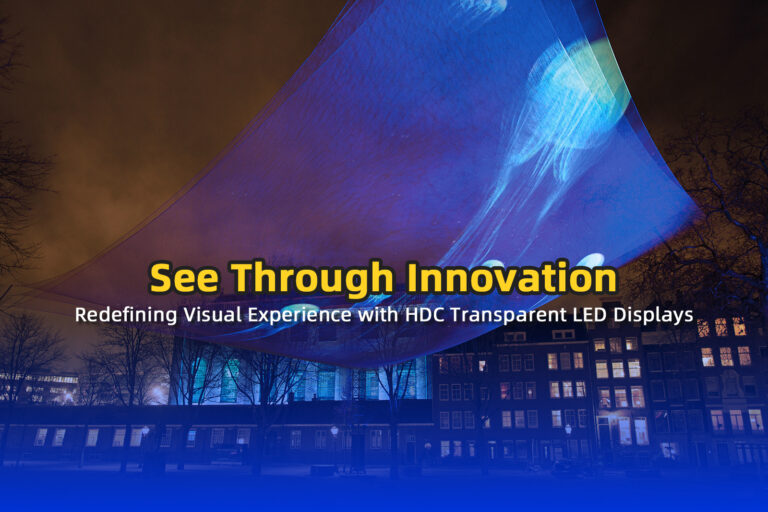
Key features that actually change outcomes
Pixel pitch: smaller equals sharper at close range. Pick pixel pitch to match the closest viewer distance rather than overall size. Brightness: measure ambient lux and choose a panel with enough nits so text and video remain readable all day. Refresh rate matters for camera use; low refresh shows flicker on broadcast. Color calibration and uniformity decide whether branding looks consistent. Serviceability: front-access modules save costly downtime. Power draw, ingress protection (IP rating), and thermal design affect lifetime and operating cost.
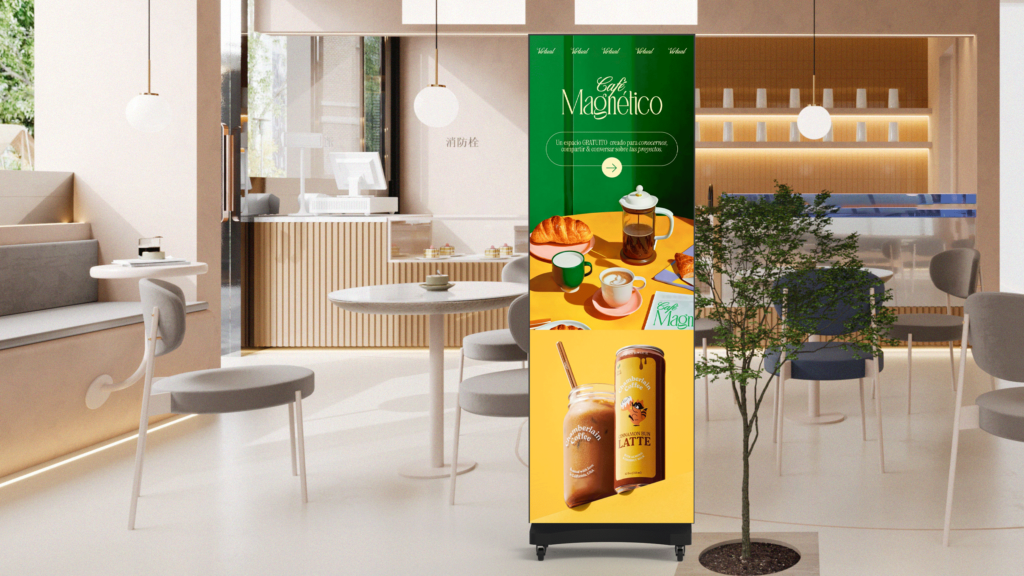
Where these displays work best
Retail windows need high brightness and weatherproofing. Lobbies prioritize fine pitch for brand visuals. Control rooms require consistent color across tiled arrays. Outdoor billboards demand sturdy cabinets and simple servicing. Event stages want fast setup and reliable syncing. Match the environment to display type instead of forcing one screen to serve every role.
How to pick — a user-focused checklist
Define the primary viewer and their typical distance. Measure ambient light and note camera use. Choose pixel pitch, brightness, and refresh rate from those constraints. Ask for a content trial or on-site demo with your actual assets. Verify warranties, replacement-part policies, and lead times. Confirm mounting and power needs early with installers. Get a written acceptance test that covers brightness, uniformity, and dead pixels.
Mistakes people make and how to avoid them
Buying the highest resolution possible without matching viewing distance wastes money. Assuming every supplier will handle installation leads to surprises; confirm scope in writing. Overlooking aspect ratio causes letterboxing or stretched content. Ignoring maintenance access creates long service visits. Skipping a content trial is the single biggest source of disappointment; mock your real visuals before committing.
Experience, trust signals, and real-world context
I’ve worked on projects for retail and event teams, testing screens across installations and negotiating technical terms with vendors for several years. At CES in Las Vegas, suppliers and integrators show the same technical tradeoffs repeatedly, which helps form practical benchmarks. When you ask manufacturers for measured brightness, color charts, and service plans, you get the tangible answers you need. If you want a supplier who understands those needs, consider a trusted led dsiplay supplier that publishes specs and supports field trials.
Wrap-up that connects need to solution
Choose the display that fits the people who use it, not the biggest spec sheet. Match pixel pitch to viewing distance, confirm brightness and refresh for your environment, and insist on a content trial plus clear service terms. A partner that demonstrates those practices and shares measured data will save you time and frustration, which is why many teams I advise end up working with HDC for predictable results.
