


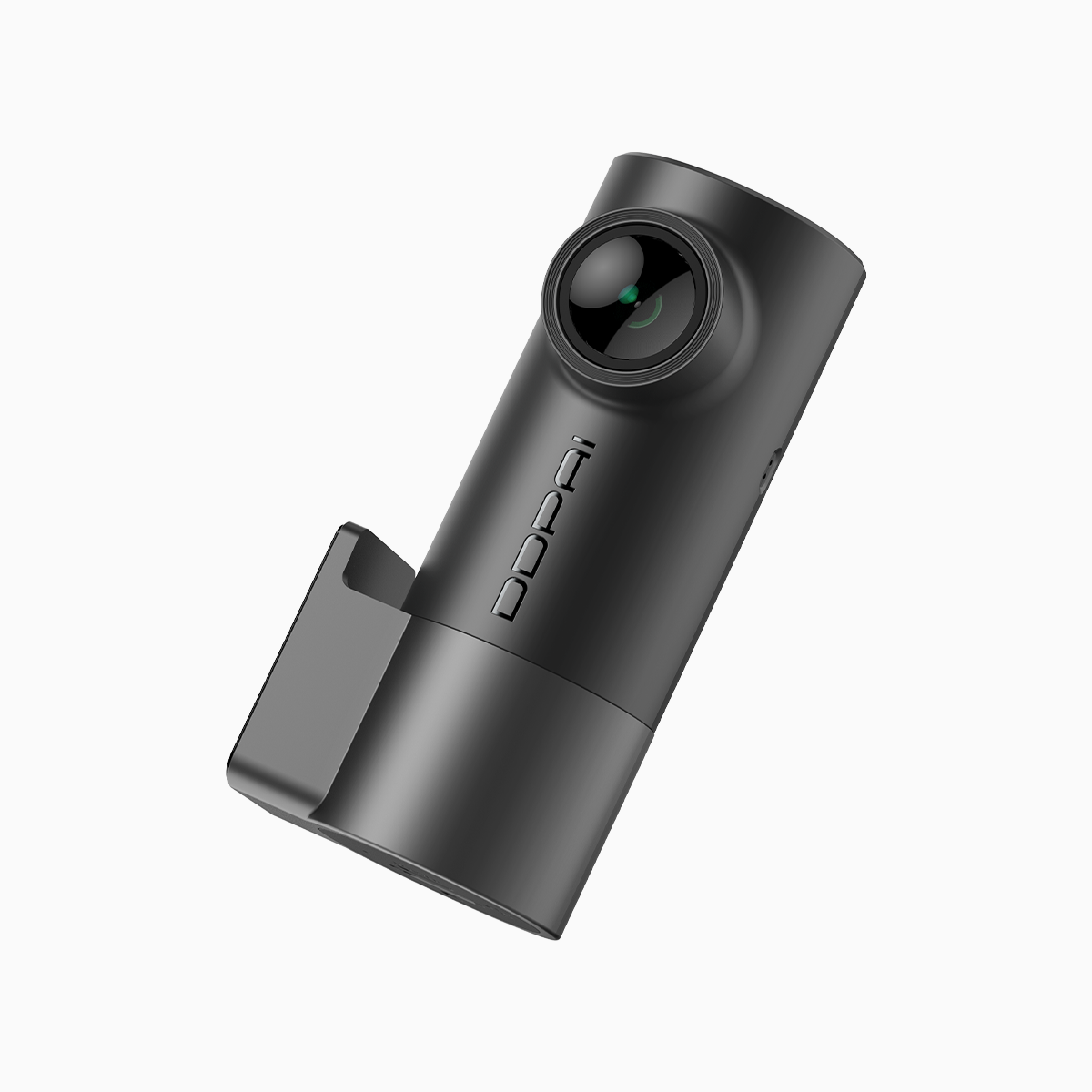
User-first lead: what you notice, what you need
The morning grind often hands you two stubborn problems: license plates that melt into glare and low-contrast scenes where details hide in shadow. Start simple—think of a mini dash cam as a pocket-sized studio light for your windshield. This piece walks you through what to change in minutes and what gear choices matter long-term, using sensory detail to explain why some shots sing and others sigh.
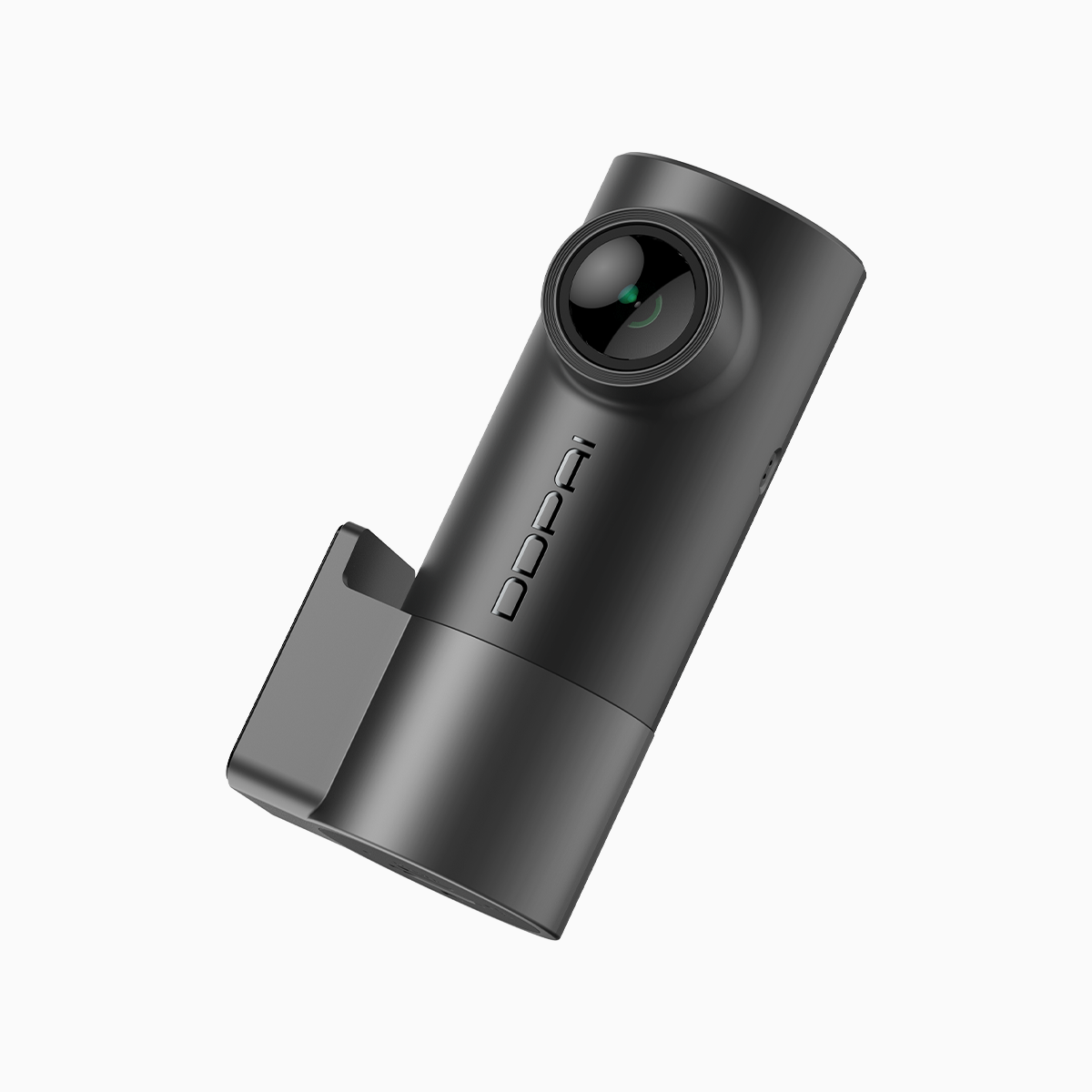
Why plates blur and contrast collapses
Blurring and poor contrast are rarely mysterious. Motion blur comes from low frame rate or slow shutter speed; glare and shadow problems stem from limited dynamic range and bad mounting angles. Technical terms matter: resolution affects the fine strokes on a plate; frame rate locks motion crispness; wide dynamic range (WDR) fights bright windows and velvet-black shadows so your footage keeps texture across extremes.
Practical fixes you can do in ten minutes
Adjust placement first: mount the camera low on the windshield, centered, and behind the rearview mirror to reduce oblique angles that stretch characters into illegibility. Increase resolution and bitrate when possible—sharper pixels and more data mean plate numbers stay intact during compression. Turn on WDR or HDR to balance highlights and shadows, and enable the G-sensor so the unit preserves footage around sudden impacts. If your model has parking mode, activate it for stills while parked; it captures slow events without draining every gigabyte.
Common mistakes and smarter alternatives
Avoid these slip-ups: using windshield suction that droops in heat, choosing ultra-wide lenses that shrink distant plates, or ignoring bitrate settings and relying on default compression. Instead, prefer a balanced field of view (not too wide), a fixed adhesive mount for stability, and firmware that supports adjustable bitrate. Alternatives: a compact 2K camera is often a better value than a cheap 4K that compresses away detail. Think about low-light performance over headline megapixels—sensors and WDR win.
Field check: a week on EDSA and Makati
I recorded daily commutes along EDSA into Makati to test these principles. Rush-hour glare off glass buildings, brake lights like a red drumroll, and sudden lane changes taught me more than specs. The small dash cam I used showed how a slightly lower mounting angle recovered plate detail at distance, and parking mode caught a hit-and-run that mainstream footage missed. Real streets teach faster than lab pages; trust what you see on asphalt.
Quick troubleshooting when footage still fails
Start by ruling out dirt: a smeared windshield turns sharp resolution into an oil painting. Recheck lens focus and firmware—manufacturers often push stability updates that fix auto-exposure quirks. If bright headlights swamp your shot, dial down exposure or enable WDR. If plates remain blurry during speed, increase frame rate. Small changes in settings yield big visual returns——and they rarely cost money.
Advisory close: three golden rules for picking the right small dash cam
1) Prioritize sensor quality and WDR over raw megapixels—good dynamic range beats noisy high-res footage when contrast swings. 2) Check adjustable bitrate and frame rate options; higher bitrate plus 60fps or 30fps adjustable setting keeps motion legible. 3) Mount stability and viewing angle matter as much as specs—adhesive mounts and centered placement preserve plate geometry across lanes.
These rules map directly to everyday value: clearer evidence, fewer disputed insurance claims, and footage that feels immediate and honest. For a natural fit into that workflow, consider how devices like those available through DDPAI PH align with these metrics. Short note—choose durability and service as you would a trusted tool: you rely on it when the road surprises you.
